eSIM in Portugal: coverage, networks and setup
Portugal is small, well covered and easy to travel with an eSIM — with two exceptions worth planning for if you're going to the islands or into the hills.

Mexico has excellent coverage in the cities and resorts, and one network that matters far more than the others once you leave them. Here's how to arrive connected.
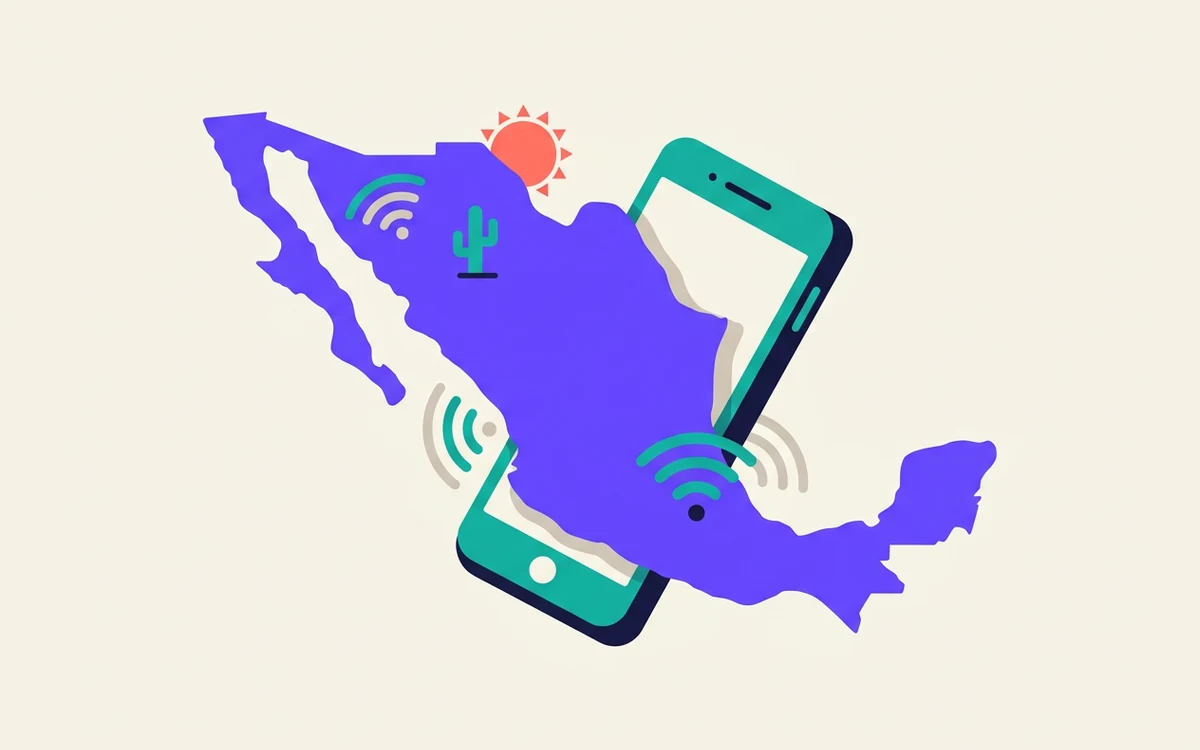
Mexico is one of the easier places to arrive connected. Coverage in the cities and the resort corridors is genuinely good, installation is straightforward, and you can be online before you reach baggage claim.
There is one thing worth understanding before you buy, and it is about which network your plan actually uses.
Three operators matter:
A travel eSIM rides on one or more of these. Which one is not always obvious from the plan page, and it is the single biggest difference between a plan that works everywhere and one that works in Cancún. If your trip goes beyond the resorts, check which network a plan uses before you buy — and treat Telcel access as the thing worth paying slightly more for.
Mexico City, Guadalajara, Monterrey and the other large cities have dense, fast coverage. So does the whole Cancún–Playa del Carmen–Tulum corridor, Puerto Vallarta, Los Cabos and the main colonial tourist towns.
The main highways are well covered. On the big toll roads you will keep a usable signal almost the whole way.
The practical answer is to download offline maps for wherever you are driving. That is good advice anywhere; in Mexico it is close to essential.
For a week of normal holiday use — maps, messaging, social, a bit of browsing, no video — most people land somewhere around 3–5 GB. If you are navigating daily by car, add a couple of gigabytes.
Streaming changes the maths entirely. If you plan to watch anything, buy accordingly or use hotel Wi-Fi.
Switch the travel line on and set it as your data line. It should register within a few minutes of landing — Mexican airports have good coverage, so if nothing happens after ten minutes, toggle aeroplane mode once before assuming anything is wrong.
Airport Wi-Fi in Mexico is generally available but often requires a registration step, which is exactly the friction an eSIM exists to avoid.
Most travel eSIMs for Mexico are data-only. For a holiday that is almost always fine: calls to restaurants, tours and taxis all work over the internet, and the apps people use locally are the same ones you already have.
You need a local Mexican number if you are staying long enough to deal with a landlord, a bank or a delivery, or if you are renting a car and want the agency to be able to reach you. For a two-week trip, you almost certainly do not.
Portugal is small, well covered and easy to travel with an eSIM — with two exceptions worth planning for if you're going to the islands or into the hills.
Italy has four competing networks and excellent urban coverage. The gaps are where you'd expect — mountains, small islands and the roads between hill towns.
Dual SIM means your phone holds two lines. It does not mean both work the same way at the same time. Here is what actually happens when you run two.