eSIM in Italy: coverage, networks and what to expect
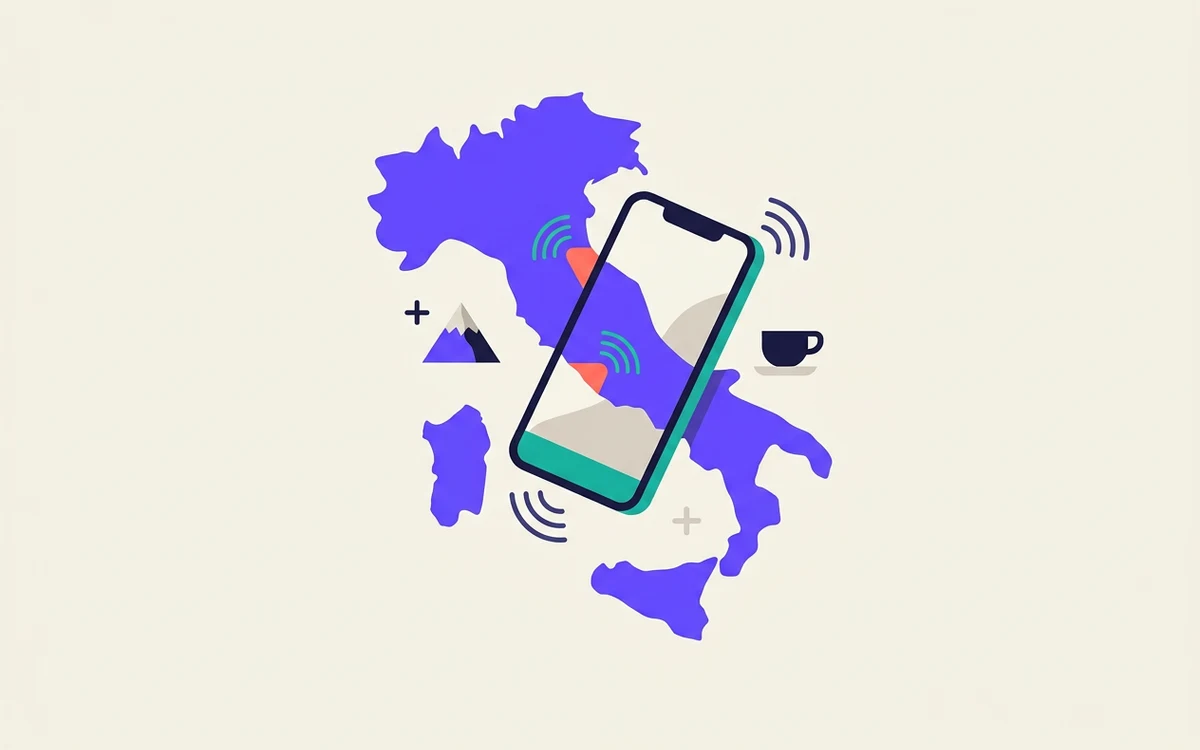
Italy has four competing networks and excellent urban coverage. The gaps are where you'd expect — mountains, small islands and the roads between hill towns.

An eSIM is not a different kind of phone service. It changes how you buy and install a line — and almost nothing about how the line behaves once you have it.
Most explanations of eSIM start with the technology. That is the least useful place to begin, because the technology is not what changes your trip.
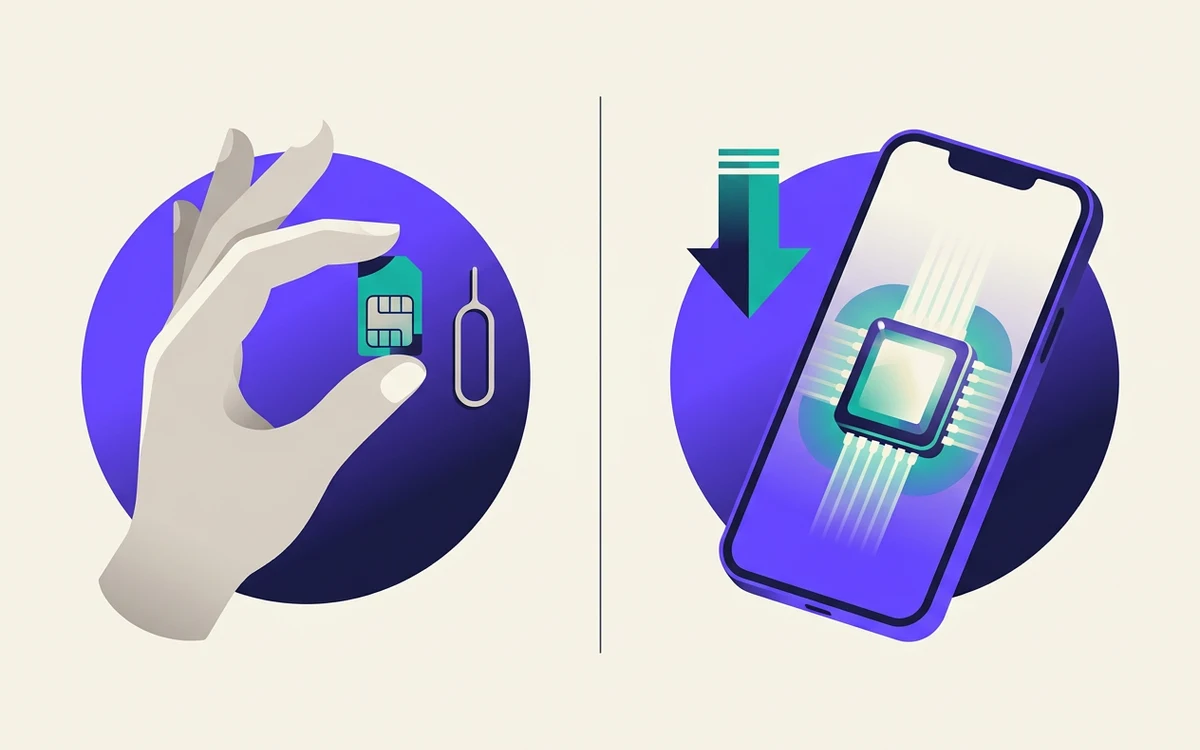
Here is the short version. A physical SIM is a small plastic card you put in your phone. An eSIM is a chip already soldered inside your phone that can be programmed with a carrier's details over the internet. Same job, same networks, same phone calls. What changes is how you get a line and what you have to do to swap between lines.
That sounds minor. On a trip it is not.
The old routine was: land, find the shop in arrivals or a convenience store in town, queue, show a passport, pay, swap the card, keep the original somewhere you will not lose it. In some countries that is twenty minutes. In others it is a morning.
With an eSIM you buy the plan before you fly, install it while you still have Wi-Fi, and switch it on when you land. The useful part is not the saved twenty minutes. It is that you have working data at the airport, when you need a map, a taxi app, or the address of the place you are staying.
Anyone who has travelled with a local SIM knows the small ritual of the spare card in a wallet pocket, and the slightly worse ritual of realising it is not in that pocket. The tray tool, the hotel carpet, the card that is now definitively gone.
An eSIM lives in software. Switching between your home line and your travel line is a toggle in settings.
This is the part people underrate. With a physical swap, your normal number is out of the phone and therefore unreachable — calls and texts go nowhere you can see until you put the card back.
With an eSIM, the travel data line runs alongside your usual line. Your bank's verification text still arrives. Your family can still call the number they have always called. You can leave your home line active for messages while routing all data over the cheap travel plan.
Three things people expect eSIM to fix, which it does not.
Coverage is still the local networks. An eSIM is not a separate network in the sky. Your travel plan rides on the same towers the local carriers run, and if a region has poor coverage, an eSIM will have poor coverage there too.
Most travel eSIMs are data only. This is the single most common surprise. A typical travel eSIM gives you data and no phone number — no voice calls over the cellular network, no SMS. In practice that is fine, because calls and messages go over the internet through whatever apps you already use. But if you are expecting a local number people can ring, read the plan details before you buy. Some include a number; most do not.
Your home carrier's roaming charges still exist. Installing a travel eSIM does not disable roaming on your normal line. If your home line is still allowed to use data abroad, it may quietly do so, and you will see it on the bill. Turning data roaming off for that line is a deliberate step, and it is the step people forget.
eSIM is not a straight upgrade in every case.
Two separate questions, and people conflate them.
Does the hardware support eSIM? Broadly, iPhones from the XS generation onward, recent Google Pixels, and recent flagship Samsung, Motorola and Oppo devices do. Mid-range and older handsets frequently do not. Some recent iPhones sold in the United States have no SIM tray at all and are eSIM-only.
Is the phone carrier-locked? A locked phone will refuse a line from anyone except the carrier that sold it, and that applies to eSIM exactly as it does to a plastic card. A phone bought outright or fully paid off is normally unlocked; a phone still on a contract may not be. This catches people out at the gate, so it is worth checking weeks before you travel, not the night before.
Most phones settings menus will tell you directly — if you can find an option to add a cellular or mobile plan, the hardware supports it.
The order matters more than the steps.
Most plans activate when they first connect to a network at the destination rather than when you install them, which is why installing early is safe. Check that before you buy if the dates are tight.
In rough order of how often it happens:
For most trips of a few days to a few weeks, an eSIM is simply more convenient: you arrive connected, you keep your own number reachable, and there is nothing to lose in a hotel room.
For a long stay, or anywhere you need a local number people can actually call, a physical SIM bought locally is still the better tool.
And for a good number of travellers, the honest answer is both — a local card for the number, an eSIM for the data, and your home line kept alive in the background for the texts that matter.
Italy has four competing networks and excellent urban coverage. The gaps are where you'd expect — mountains, small islands and the roads between hill towns.
Dual SIM means your phone holds two lines. It does not mean both work the same way at the same time. Here is what actually happens when you run two.