eSIM in Portugal: coverage, networks and setup
Portugal is small, well covered and easy to travel with an eSIM — with two exceptions worth planning for if you're going to the islands or into the hills.

Dual SIM means your phone holds two lines. It does not mean both work the same way at the same time. Here is what actually happens when you run two.
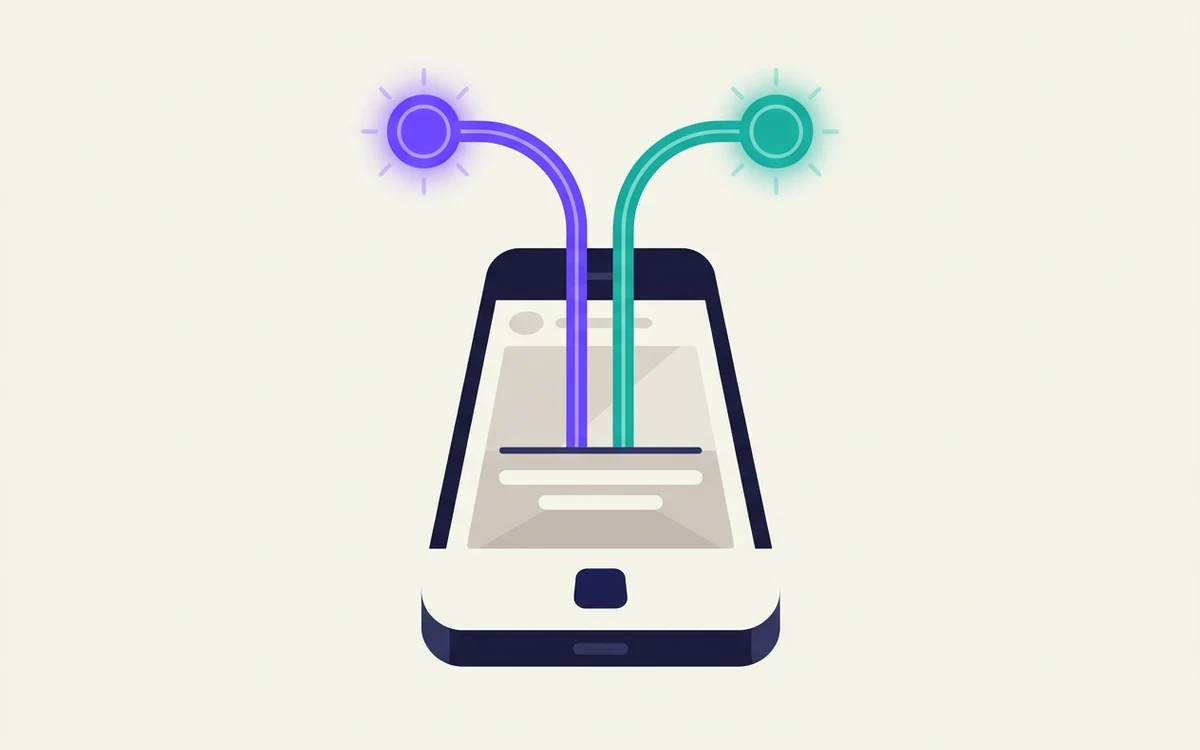
Yes — most phones sold in the last several years can hold two lines at once. What trips people up is the gap between holding two lines and using two lines, which are not the same thing.
Your phone stores the credentials for two separate lines. Both can be registered to their networks at the same time, so both can ring. You pick which one handles data, and you pick which one to use each time you make a call or send a text.
Yes. This is the question people actually ask, and the answer is that your phone does not care which kind each line is. Two is two.
So a phone with one SIM tray and eSIM support can run one physical SIM plus one eSIM. A phone that holds several eSIM profiles can run two eSIMs at once, with the others stored but switched off. What you cannot do on a typical phone is run three lines simultaneously, however they are stored.
The limit is on lines that are active at the same time, not on how many you own.
Three ways a phone can do it:
Here is the detail nobody explains. Most consumer phones are dual SIM dual standby, not dual SIM dual active.
Dual standby means both lines are listening, but only one can be in a call at a time. If you are on a call on line one, a call to line two will usually go to voicemail — the phone cannot hold both conversations.
Dual active phones, which can genuinely run two calls, exist but are uncommon.
For most people this is a non-issue. If you are expecting two business lines to behave like two independent phones, it is not.
Both lines can receive calls and texts. Simultaneously, as long as neither is already on a call.
Only one line carries data. You nominate it, and you can switch. Some phones can fall back to the other line for data automatically, which is handy and occasionally expensive — check that setting before you travel.
You choose the outgoing line per call. Most phones let you set a default and override it, and will remember which line you last used for a given contact.
Messaging apps usually bind to one number. An app registered to your personal number stays on that number regardless of which line is active.
This is where dual SIM earns its place. Home line stays active for calls and verification texts; travel eSIM carries all the data.
Set it up like this:
That last pair is the whole trick: reachable on your own number, paying local rates for data.
Two lines on one phone is the obvious way to separate work from life, and it works — with one honest caveat.
Both lines ring the same phone. Unless you silence one on a schedule, you have not actually separated anything; you have just added a number. The separation is a habit the hardware supports, not something it does for you.
Worth knowing: a second line from a carrier behaves like a normal mobile number everywhere, including with banks. An app-based second number is cheaper and more flexible but is occasionally refused by services that will not text app numbers.
Broadly: iPhones from the XS generation onward, recent Pixels, and recent flagship Samsung, Motorola and Oppo devices. Mid-range and older handsets often do not. Some recent iPhones sold in the United States are eSIM-only with no tray at all, which makes them dual-eSIM by necessity.
The reliable check is your own settings: if there is an option to add a second cellular or mobile plan, you have it.
And the usual trap — a carrier-locked phone will refuse a second line from anyone else, exactly as it refuses a foreign SIM. Check that early.
None of these is hard to avoid. All of them are easier to avoid before you fly than after you land.
Portugal is small, well covered and easy to travel with an eSIM — with two exceptions worth planning for if you're going to the islands or into the hills.
Italy has four competing networks and excellent urban coverage. The gaps are where you'd expect — mountains, small islands and the roads between hill towns.
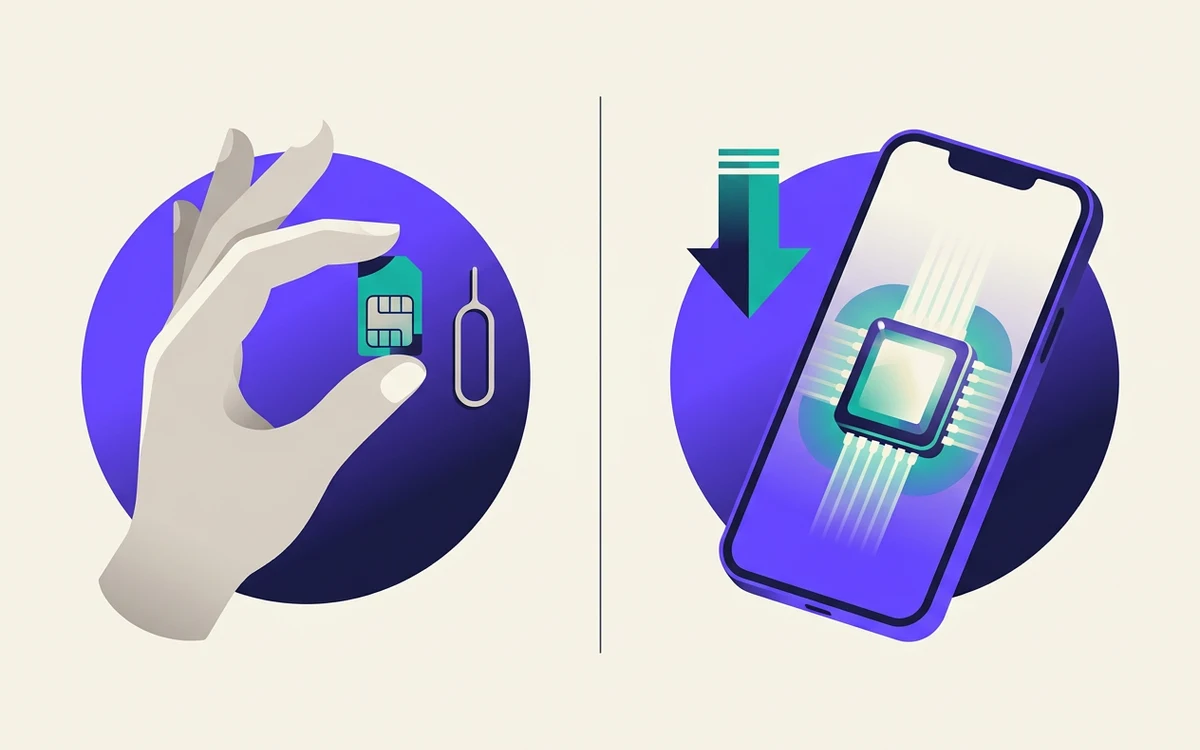
An eSIM is not a different kind of phone service. It changes how you buy and install a line — and almost nothing about how the line behaves once you have it.