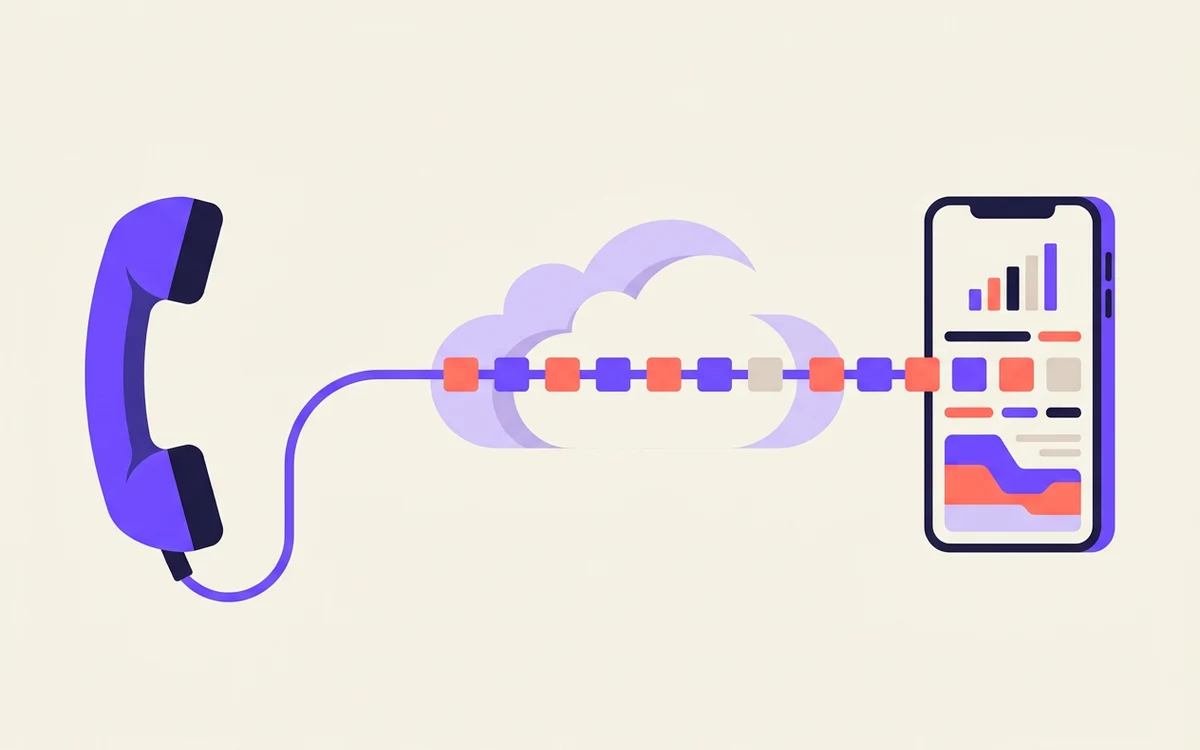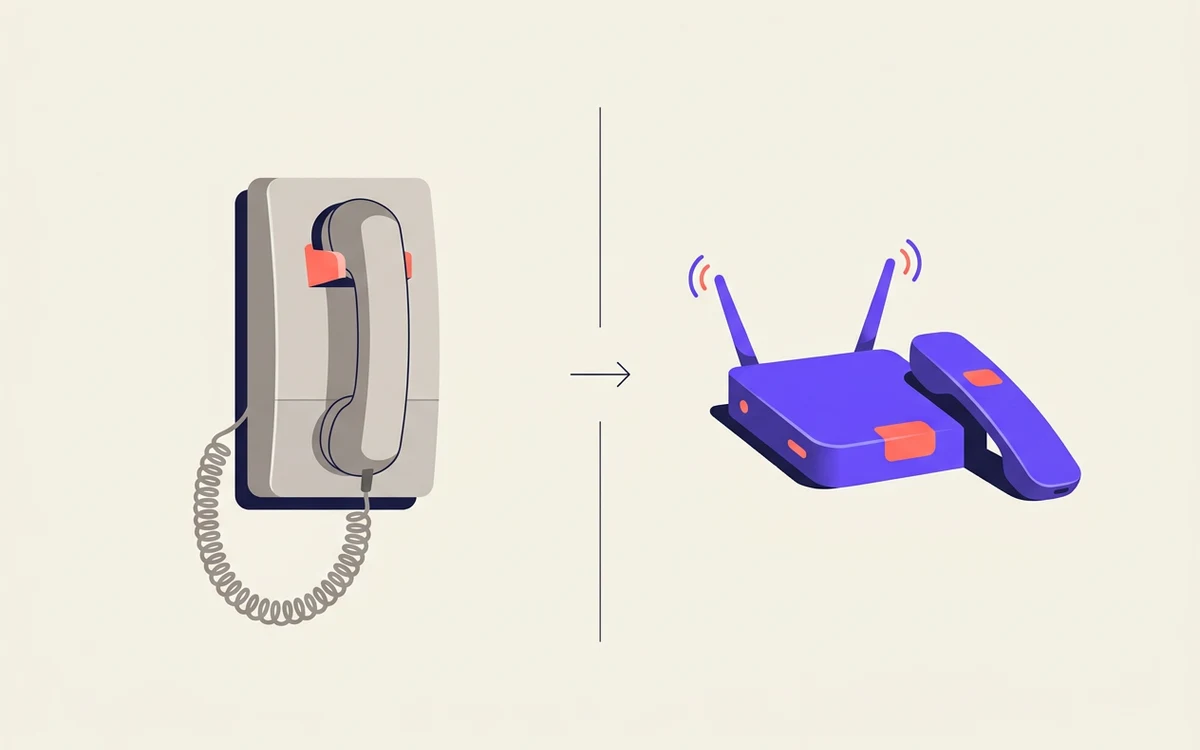
Landlines are dying. What replaces them?
The copper network is being switched off on a published timetable. What replaces it mostly looks identical — until the power goes out.

Choppy Wi-Fi calls are almost never about speed. A 500 Mbps connection can sound terrible. Here's what actually causes it and what to change.
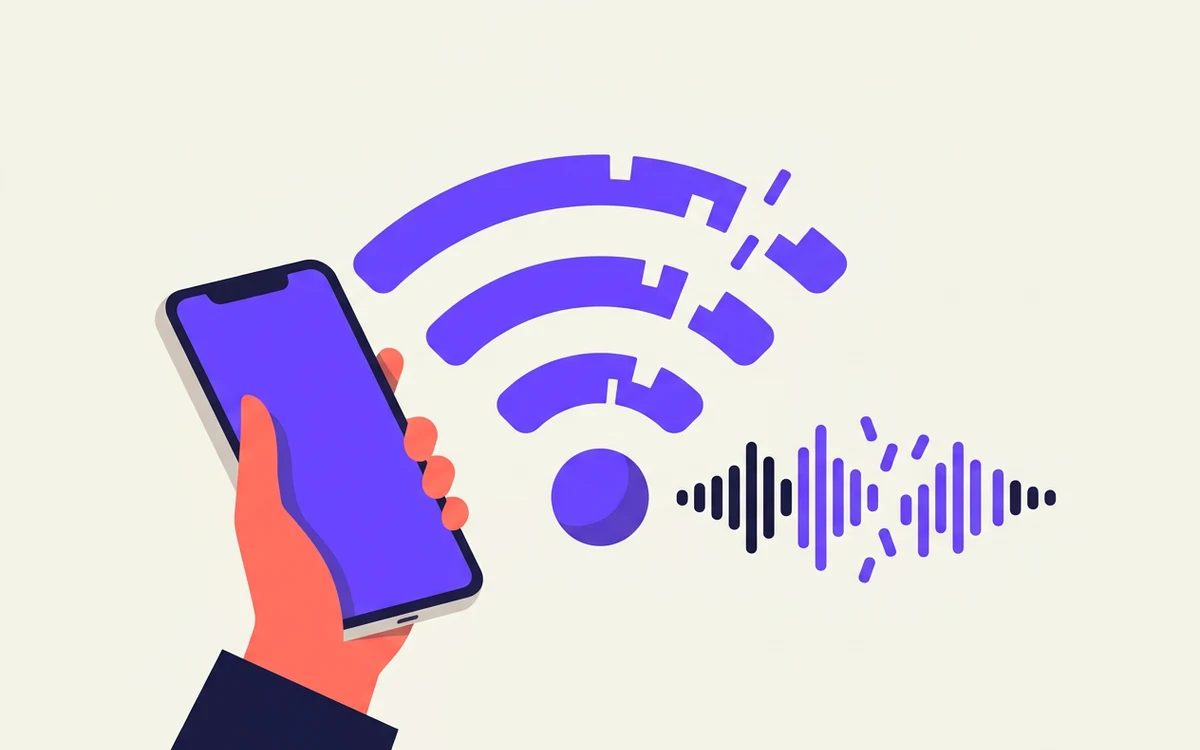
The first thing worth knowing is that a choppy call is almost never a speed problem. People run a speed test, see 500 Mbps, and conclude the connection is fine. The connection may well be fast and still be hopeless for voice.
Voice calls need something different from downloads, and understanding that makes the fixes obvious.
A call uses almost no bandwidth — somewhere around 100 kbps in each direction, which is a rounding error on any modern connection. What it needs is for that trickle of data to arrive steadily.
Three things wreck it:
A download tolerates all three — it just waits and retries. A live call cannot wait. That is the whole difference, and it is why your speed test is not measuring the thing that matters.
The most common cause by a distance. Wi-Fi signal degrades fast through walls and floors, and a phone showing two bars is already dropping packets.
Worth knowing: your phone clings to a weak signal far longer than it should. It will hold onto a distant router rather than hand over to the cellular network, which is exactly when calls fall apart.
Home connections usually have far less upload capacity than download. A cloud backup, a game console updating, or someone else's video call will fill it, and your voice packets queue behind them.
This is why calls degrade at specific times of day for no apparent reason. Something scheduled is running.
2.4 GHz travels further but is crowded — microwaves, baby monitors, every neighbouring router. 5 GHz is cleaner but has shorter range. Phones pick badly, and will often sit on a congested 2.4 GHz channel while a clean 5 GHz one is available.
VPNs add latency and a processing step to every packet. Some handle voice well. Many do not, especially free ones.
Mesh systems move you between nodes as you walk around. The handover takes a moment, and that moment is audible mid-call. Walking from one room to another during a call is a surprisingly common trigger.
Rarer, but real — particularly in the evening. Nothing you can change at home will fix an upstream problem.
Worth separating, because the fixes differ slightly.
Wi-Fi calling is a carrier feature. Your normal number, your normal dialler, routed over Wi-Fi instead of a cell tower when the signal is poor. It hands back to cellular when it can.
VoIP apps route calls over the internet regardless of connection, cellular or Wi-Fi.
Both suffer from jitter and loss identically. But Wi-Fi calling has one extra failure mode: the handover. If your phone is deciding between a weak Wi-Fi signal and a weak cellular one, it can oscillate, and you get a call that breaks every few seconds. Turning Wi-Fi calling off entirely in a marginal spot is sometimes the better answer.
Before rebuilding your home network, check the obvious: does it happen on every call, or only with one person? Only in one room, or everywhere? Only on Wi-Fi, or on cellular too?
If calls are fine on cellular and poor on Wi-Fi, it is your network. If they are poor on both, it is the app, the other person's connection, or the carrier — and no amount of router fiddling will help.
The copper network is being switched off on a published timetable. What replaces it mostly looks identical — until the power goes out.
VoIP just means your voice travels over the internet instead of the old telephone network. Here's what that changes, what it doesn't, and where it's worse.
The most common small business phone problems include using personal phone numbers, bare-bones voicemail, and non-local area codes.